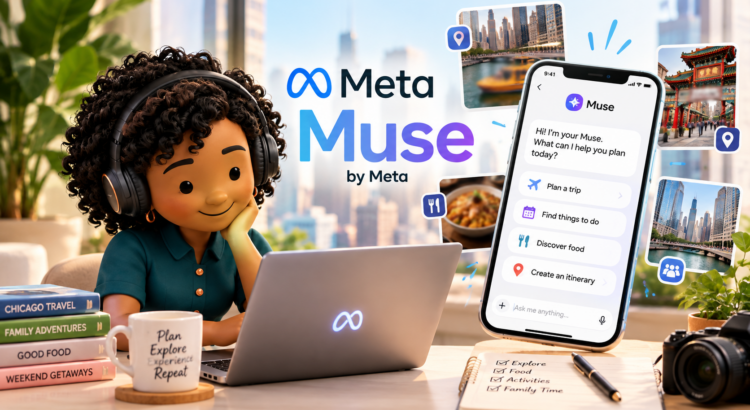

If you caught my latest Instagram reel, you’ve already met Cousin Journee. Plot twist: she’s not my real cousin. She’s my alter ego inside Muse by Meta.

Muse is Meta’s new personal AI agent, and I recently teamed up with Meta to put it through a real-life test: planning a full Chicago family day, from the water taxi to dumplings to dinner, without losing my mind in the process. You can watch the video here: https://www.instagram.com/reel/Ddt0bqhu4y6/
The reel shows the fun part. But I wanted to break down how I’m actually using Muse behind the scenes, because honestly, it’s become part of my daily workflow.
What Is Muse by Meta, Exactly?
Muse is Meta’s new personal AI agent. It’s not a search bar and it’s not just an app. It’s a helper that can take real actions on your behalf, but only after you approve them. You tell it what you need, it makes a plan, and it asks before it does anything big like booking, inviting, or sending.

How I Use Muse by Meta Every Day
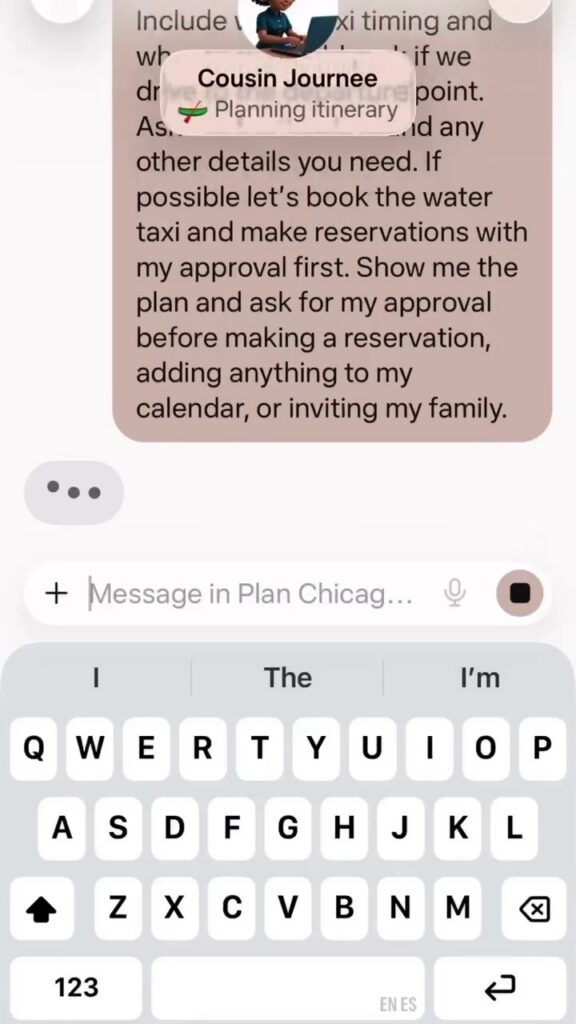
Content creation. I use Muse to brainstorm video ideas, outline scripts, and plan filming days. For the Chicago day in my reel, Muse built me a timed itinerary with a budget, parking details, and even a visual map.

Email management. I pitch brands every single day, so an empty inbox is a fantasy. Muse helps me draft emails and stay organized, which means less time staring at Gmail and more time creating.
Finding contacts. When I’m researching a hotel, restaurant, or venue, Muse helps me track down the right person to contact instead of me clicking through websites for an hour.
Planning my day and organizing my calendar. I describe what I need, a family outing, a packed work day, a travel day, and Muse turns it into an organized calendar plan. It always asks before adding anything, so I’m in control.
Taking approved actions on my behalf. This is the part that still feels a little like magic. Once I approve, Muse handles the small stuff.
Creating my custom avatar. I made Cousin Journee, my AI alter ego, and now she stars in my content as the organized one. The chaotic one is me. We balance each other out.
So Many Other Ways to Use It
Here’s what I love: the use cases go way beyond what I showed in the video. A personal AI agent like Muse can handle trip planning with full itineraries, timing, budgets, and can’t-miss stops. It can organize your week with calendar blocking, reminders, and to-do lists. It drafts emails, captions, outlines, and first drafts of anything. It researches venues, restaurants, hours, and contacts. And it helps with everyday life like meal planning, packing lists, and scheduling appointments.

If you’re a content creator, a busy parent, or just someone juggling a lot, a personal AI agent like Muse is worth a look. For more of my travel and tech favorites, check out The Russells.
How to Try Muse
Want to try it yourself? Download the Muse app and use my referral code JTH47C. Just enter it under Settings within 48 hours of joining. I also shared the details in this Threads post: https://www.threads.com/@travelwiththerussells/post/Ddtwe_XoK56
Give Muse a Try With My Invite Code
I’d love for you to try Muse! Join Muse here — then redeem my invite code JTH47C in the Muse app under Settings > Redeem token within 48 hours of joining. It only takes a minute!
Quick note: I partnered with Meta on a sponsored campaign featuring Muse, including the Instagram reel linked above. Everything in this post reflects my real experience using it.